Clock widgets
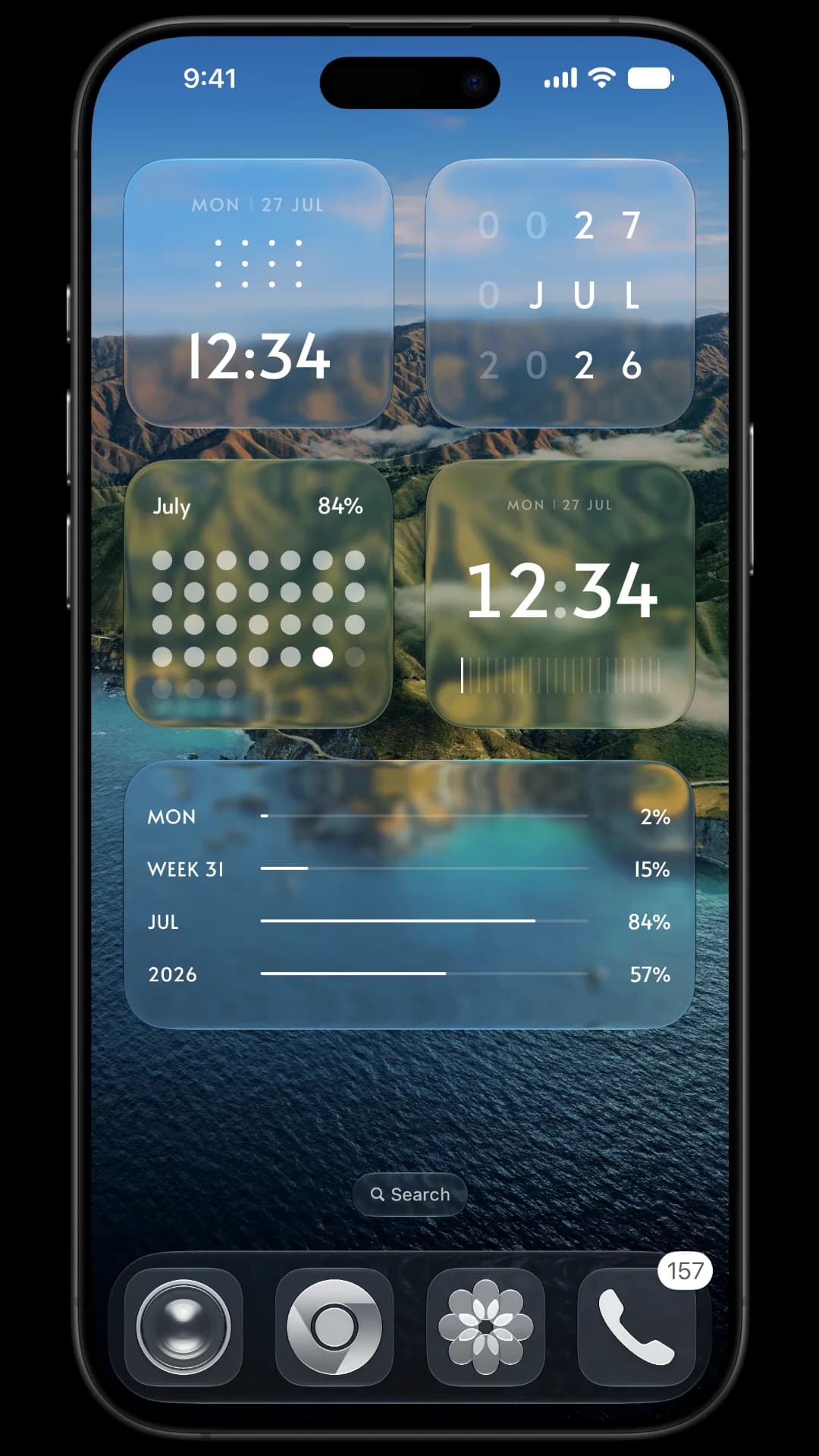
Dot clocks, ring clocks, block clocks, bold digital time, and more. Each makes time feel considered.
FOR A QUIETER IPHONE
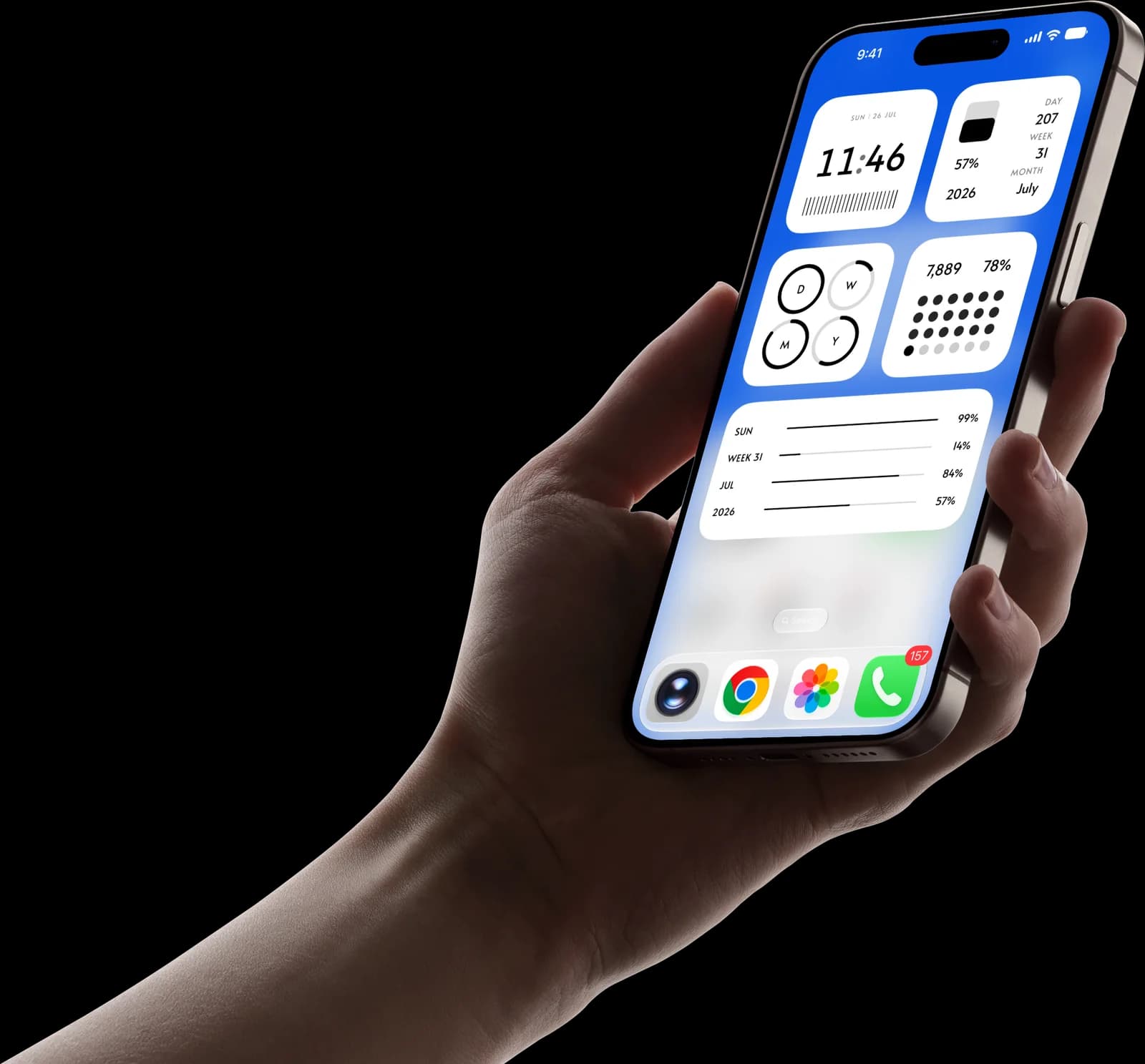
Minimal widgets for your iPhone Home Screen and Lock Screen. Clocks, calendars, progress, and Apple Health—considered down to the pixel.
A LITTLE LESS, RIGHT WHERE YOU NEED IT
No templates to assemble. No endless editor. Just a highly-edited collection of minimal iOS widgets, ready for the places you see most.
THE COLLECTION
Each widget starts with a single question: what deserves a glance?
Clock WIDGETS
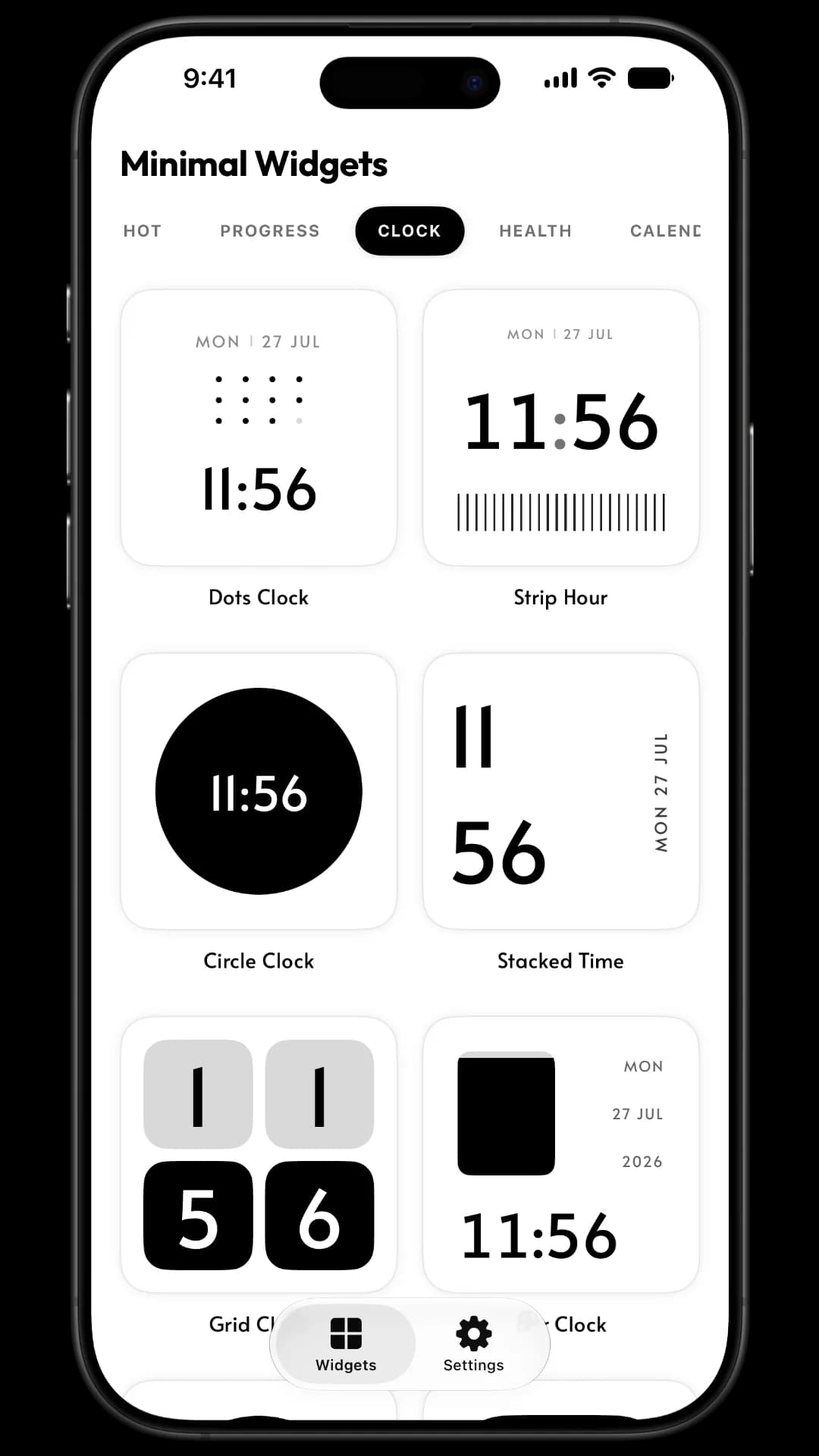
Bold digits, quiet rings, and one glance that does its job.
FROM GALLERY TO GLANCE
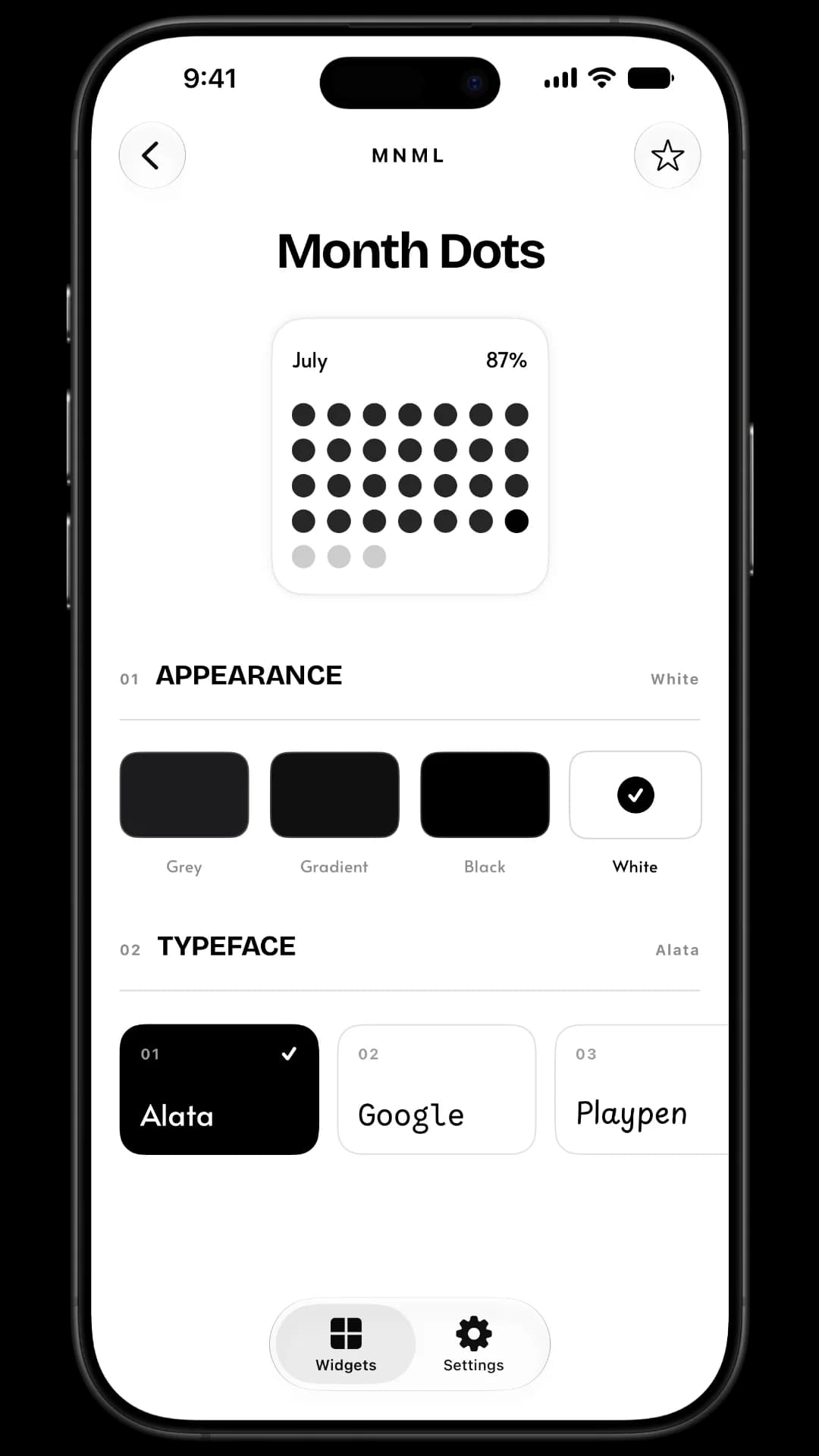
Every widget is ready to add, with just enough choice to make it feel personal: surface, type style, and an iPhone-ready setup.
DESIGNED FOR EVERYDAY GLANCES
Dot clocks, ring clocks, block clocks, bold digital time, and more. Each makes time feel considered.
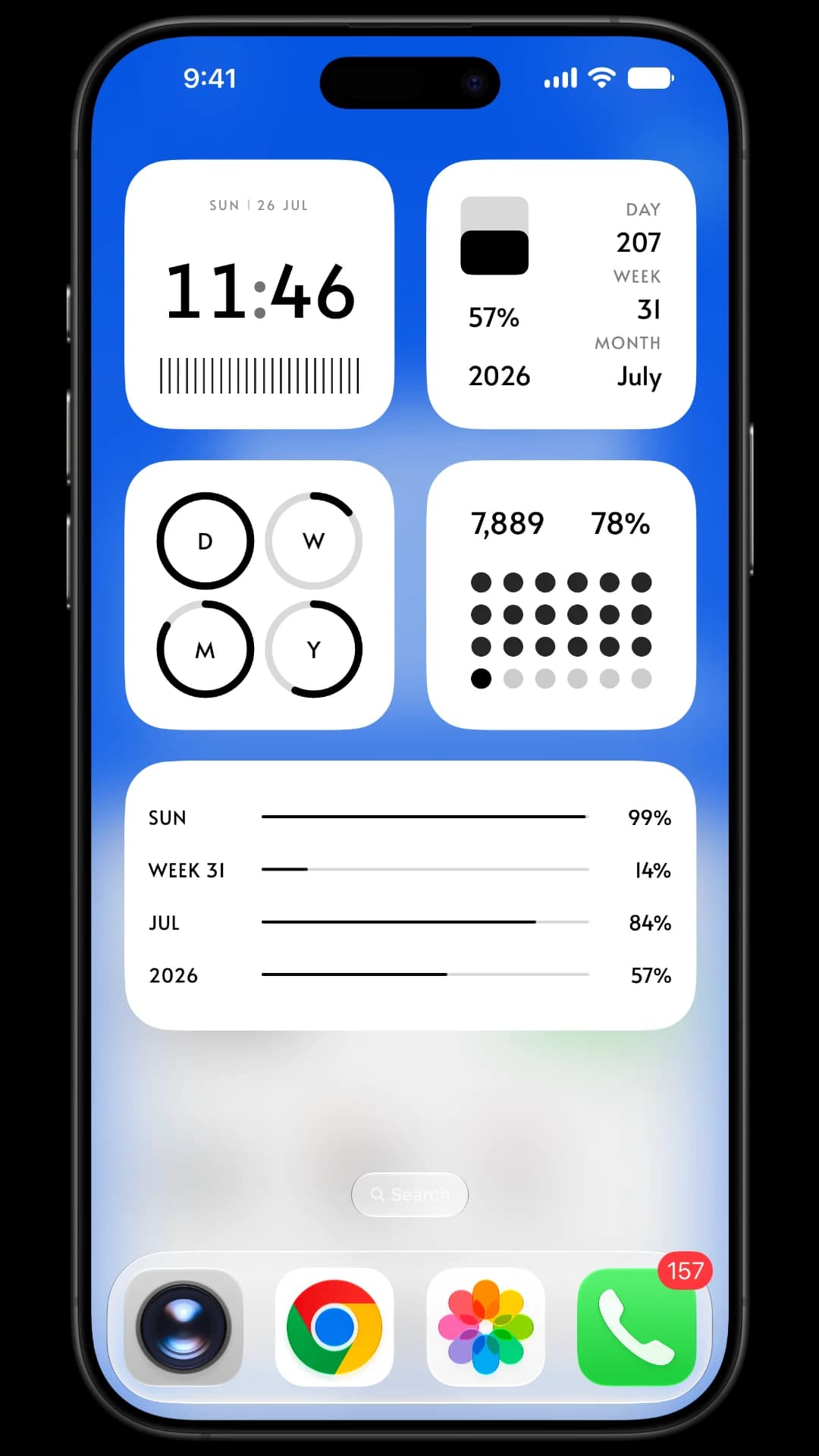
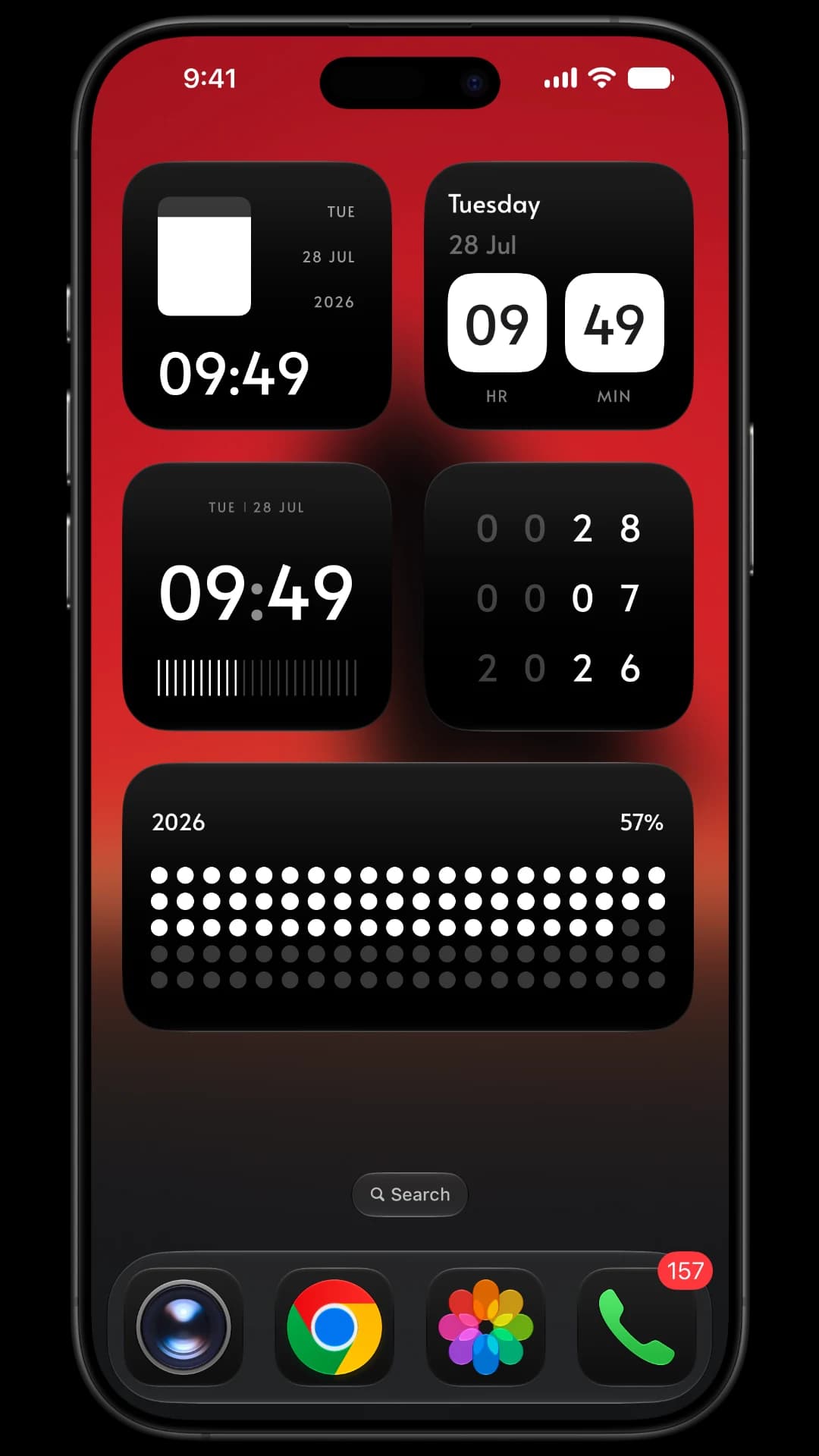
See today, the date, or a full month at a glance—without turning your screen into a planner.
Track the day, week, month, and year in quiet dots, hairlines, bars, and rings.
Keep steps and heart rate in sight with clean widgets that respect your permissions.
READY WHEN YOU ARE
For people who want their iPhone to feel a little more intentional.
Get MNML for iPhone↗
THE DETAILS ARE THE POINT
MNML brings time, dates, calendar context, day-to-day progress, and optional Apple Health information to your Home Screen and Lock Screen. The collection is organised around five families: Progress, Clock, Health, Calendar, and Lock Screen.
Start with the thing you check most. Circle Clock and Dots Clock make time easy to find. Month Grid keeps the date in view. Progress Lines, Month Dots, and Year Dots give the passing day, month, or year a little shape without asking for attention.
MNML has compact Lock Screen designs for time-aware details: Day Line, Month Line, Year Dots, Month Dots, Calendar Timeline, Date Card, Progress Rings, and step progress. They are made for the quick glance before you unlock.
Yes. Compatible widgets can use Grey, Gradient Black, Black, or White surfaces, along with a choice of type styles. The point is not to build a widget from scratch; it is to make a good one sit naturally on your phone.
Only if you choose to use them. Steps and Heart widgets ask for the Apple Health data they need to display. You choose the permission in the Health app, and MNML uses that information only for the widget you add.
iOS decides when widgets refresh to protect battery life. Opening MNML, changing a widget, or giving iOS a little time will usually bring it up to date. That is how iPhone widgets are designed to work.